Best Drone Apps in 2026: Flying, Mapping, and More
By
Samara Garcia
•
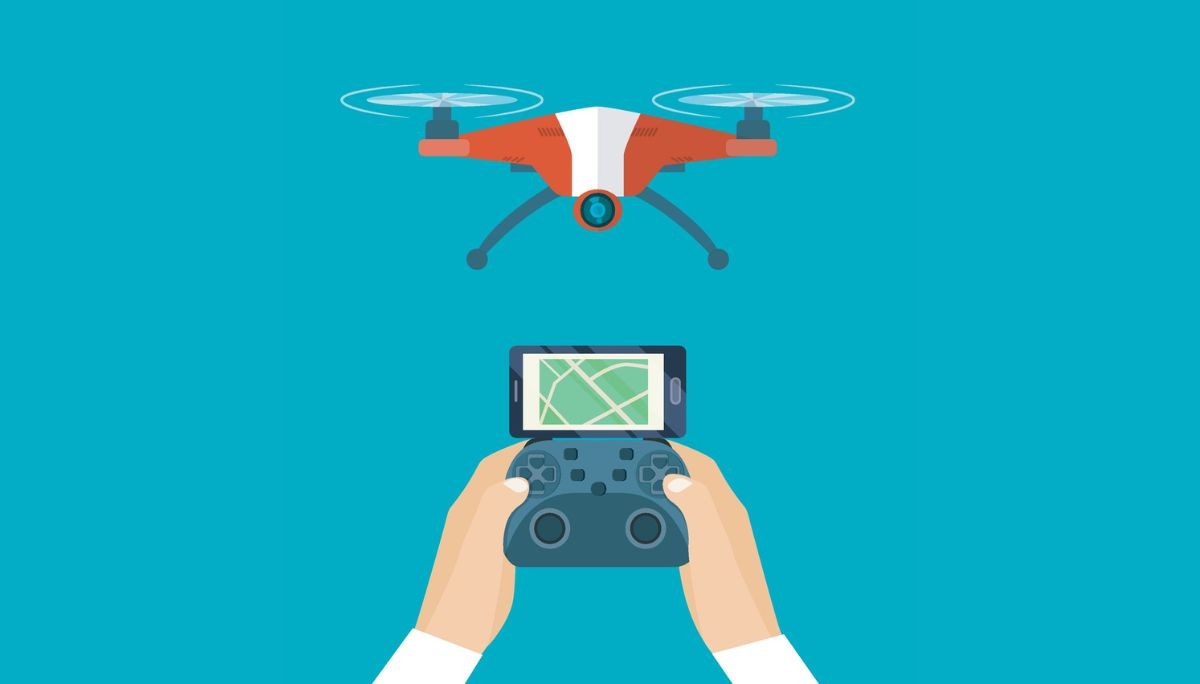
Drones are widely used by creators, surveyors, first responders, and businesses across many industries. But the real control center behind every safe and successful flight is not just the drone itself. It is the drone app running on a phone or tablet.
Today’s pilots rely on apps to check airspace restrictions, monitor weather conditions, control flight settings, and capture high-quality footage. Tools like flight control apps, airspace checkers, and mapping platforms help users plan, manage, and safely operate their drones.
In this article, we will explore the main categories of drone apps, including safety tools, flight control platforms, mapping and mission planning apps, photography tools, and editing software. Whether you are a hobbyist or a professional drone operator, these tools can help you fly smarter and get more out of every mission.
Key Takeaways
Modern drone apps in 2026 cover airspace safety, autonomous flying, mapping, weather forecasting, and media editing, creating a complete app-centered ecosystem for every flight.
Safe flight planning features through apps like B4UFLY-style tools and Drone Buddy-style safety apps are now mandatory companions for both recreational flyers and commercial drone pilots.
Mapping and 3D modeling apps (similar to DroneDeploy-style tools) transform drones into serious platforms for surveying, construction, agriculture, and infrastructure inspections.
Brand-specific apps such as DJI Fly remain the control backbone, while third-party apps like Litchi, Aloft-type operations platforms, and weather tools add professional capabilities.
For founders and tech leaders, the exploding drone-app ecosystem signals that hiring elite AI and software engineers through platforms like Fonzi is critical to winning in this space.
Key Categories of Drone Apps in 2026
The “best drone apps” question becomes much easier to answer when you group tools into categories rather than attempting a single top-10 list. Each category addresses a specific phase of the flight workflow.
Here are the main categories you should understand:
Airspace & Compliance Apps: Verify where you can and cannot fly, request LAANC authorizations, and check for Temporary Flight Restrictions
Manufacturer Flight Control Apps: Handle real-time drone control, camera settings, firmware updates, and basic flight logs
Autonomous Mission Apps: Enable waypoint flights, orbit patterns, and repeatable missions beyond manual joystick flying
Mapping & 3D Modeling Apps: Transform overlapping aerial photos into orthomosaic maps, elevation models, and textured 3D meshes
Weather & Environmental Apps: Provide wind speed, precipitation, visibility, and electromagnetic field data to support safe flight decisions
Photography & Planning Tools: Help you pre-visualize shots using sun paths, golden hour timing, and satellite imagery
Editing & Post-Production Apps: Polish footage with timeline editing, color grading, and platform-optimized exports
Insurance & Risk Tools: Offer on-demand coverage, fleet management, and compliance documentation
Later sections will highlight specific 2026 examples supporting popular drones like DJI Air 3, Mini 4 Pro, the anticipated Mavic 4 series, and Autel EVO models.
Airspace Awareness and Safe-Flying Apps
Airspace apps are indispensable in 2026. With the FAA’s Remote ID mandate fully enforced since September 2023 and increased urban drone activity creating 15% more near-miss incidents according to FAA 2025 data, knowing exactly where you can fly has never been more critical.
B4UFLY-style apps are the gold standard for checking airspace. These FAA-powered tools use color-coded indicators, green for authorized, yellow for caution, and red for restricted zones, to show where drones can fly. Approved providers now offer desktop and mobile platforms that sync across devices.
These apps also integrate with LAANC systems, allowing recreational and Part 107 pilots to request near-real-time authorization in controlled airspace near airports and other sensitive areas.
Drone Buddy-style safety apps go a step further by combining:
No-fly zones and TFRs (Temporary Flight Restrictions)
DJI-style geofencing zones
User-generated community spots and advisories
Links to official FAA gov resources
One significant advantage of FAA-backed versions is their privacy stance; some explicitly state “data not collected,” which matters for both hobbyists concerned about tracking and enterprise teams handling sensitive survey data that could trigger GDPR or CCPA concerns.
Bottom line: Install at least one authoritative airspace app before your first 2026 flight, and check it before every launch.
Manufacturer Flight Control Apps (DJI Fly and Beyond)
Every major drone brand ships an official controller app that handles firmware updates, live video feed, camera settings, and basic flight logs. These apps remain the control backbone of any drone operation.
DJI Fly is the standard app for recent DJI models, including Mini 4 Pro, Air 3, Mavic 3 Pro, and the anticipated Mavic 4 series in 2026. The app maintains compatibility with common 2025–2026 smartphones like Samsung Galaxy S25 Ultra (with Snapdragon 8 Gen 4), Google Pixel 9 Pro, and flagship Xiaomi 15 Ultra and Huawei Mate 70 devices. Android users may occasionally experience latency issues due to device fragmentation, but these are typically resolved through app updates.
DJI Fly consolidates functions that used to require multiple tools:
Beginner tutorials and safety briefings
QuickShots (pre-programmed cinematic maneuvers like Dronie, Helix, and Orbit)
ActiveTrack 6.0 with AI subject recognition
Hyperlapse generation
Basic in-app editing with LUT support for 10-bit color profiles
Live HD video feed at 1080p/60fps
Other major players offer similarly centralized apps. Autel Robotics provides dedicated apps for EVO II and newer EVO Lite/Nano series with emphasis on superior low-light camera controls. Skydio’s enterprise offerings focus on fully autonomous obstacle avoidance in GPS-denied environments. Parrot’s ANAFI apps specialize in thermal imaging for inspections.
Stock apps vs. third-party apps:
Aspect | Stock Manufacturer Apps | Third-Party Apps |
Warranty | Preserved | May void warranty if used exclusively |
Safety features | Built-in RTH at 20% battery, geofencing | Variable implementation |
Reliability rating | Above 4.5/5 on review platforms | Depends on the developer |
Autonomy | Limited waypoint options | Advanced mission planning |
Flexibility | Restricted by geofencing | More open control |
Keep your manufacturer app installed and updated, even if you rely on third-party apps for advanced missions.
Advanced Autonomous Flight and Mission Planning Apps
Autonomous mission apps unlock capabilities that go far beyond manual joystick flying. These tools allow waypoint flights, orbit patterns, and complex routes that would be impossible to execute consistently by hand.
Litchi-style apps have set the benchmark since around 2015 and continue to evolve. In 2026, they support advanced waypoint planning with up to 99 points per route, programmable gimbal tilts, adjustable speed curves (0-72 km/h), and Focus mode that decouples camera yaw from forward motion for cinematic pans.
Key features include:
Orbit mode: Circular paths around a point of interest with adjustable radius and altitude
Follow mode: GPS or vision-based tracking at distances up to 500m
Panorama mode: Auto-stitched multispectral panoramas
VR mode: FPV goggles integration for immersive control
Mission Hub: Desktop planning synced via cloud to iOS and Android devices
At a one-time price of around $25, Litchi-style apps report reducing pilot workload by approximately 70% for repeatable inspections.
Aloft-type operations platforms serve professional ops with fleet telemetry, real-time collaboration dashboards, and integrated LAANC authorization. These are ideal for enterprise drone operators managing complex workflows.
Concrete use cases:
Weekly roof inspection of a logistics warehouse, capturing 4K orthomosaics
Monthly 3D capture of a downtown construction tower for progress tracking
Repeatable agricultural survey corridors across multiple growing seasons
Automated real estate reveals with consistent flight paths
Mapping, Surveying, and 3D Modeling Apps
Mapping apps transform hundreds of overlapping drone photos into orthomosaic maps, digital elevation models (DEMs), and textured 3D models. These outputs serve construction managers, agricultural consultants, and inspection professionals who need survey-grade data without traditional ground crews.
DroneDeploy-style apps lead the category with automated flight planning:
Grid and crosshatch flight patterns generating double-grid coverage for 99% capture
Live deck previews during image collection
Cloud processing pipelines producing maps at 1-5cm/pixel ground sample distance
Volumetric measurements accurate to approximately 2% for stockpile calculations
Case studies from DroneDeploy users highlight 40% efficiency gains in facade inspections. For construction sites, replacing manual surveys can save $10K+ per project.
Typical 2026 use cases:
Crop health mapping using NDVI indices for precision agriculture
Volumetric stockpile measurements for gravel pits and mining operations
Roof condition reports for insurance adjusters
Utility pole inspections detect up to 95% of defects autonomously
DJI Terra offers real-time mapping with native integration for Matrice series drones, while Pix4D excels in photogrammetry with ray-tracing algorithms for complex terrains. Some mapping apps now run partially on-device with edge AI for quick field QA, while full-resolution outputs are processed in the cloud for enterprise customers.
When choosing a mapping app, evaluate:
Pricing models: Free tiers (limited exports), per-map fees, or monthly subscriptions ($299+/month for enterprise)
Export formats: GeoTIFF for GIS integration, LAS for LiDAR fusion, OBJ for 3D modeling
Processing requirements: 6K footage may need 16GB+ RAM for local processing
Always combine mapping apps with airspace-awareness tools; regulations mandate checks for sensitive site operations near borders or government facilities.
Weather, Environment, and Electromagnetic Field Apps
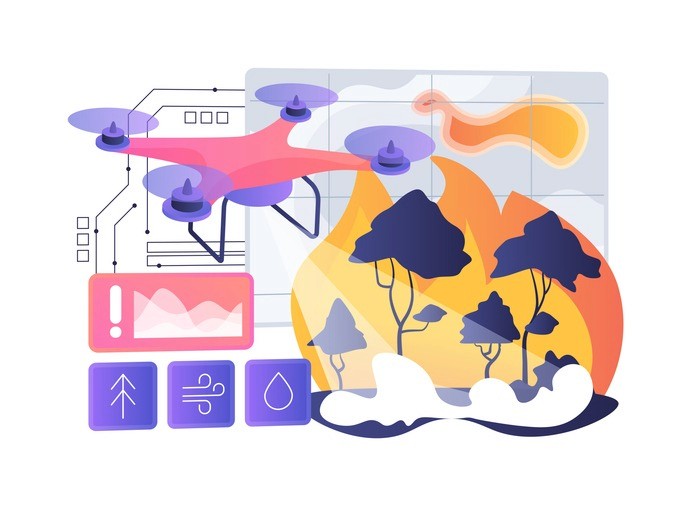
Many 2026 drone incidents trace back to poor weather decisions or unseen environmental factors. According to Airdata UAV statistics, weather-related crashes account for approximately 28% of incidents, making weather apps an essential safety tool.
UAV Forecast-style apps provide multi-altitude forecasts tailored specifically for drone operations:
Wind speed and shear at surface level through 500m AGL
Gust predictions (critical for mini drones with 10.7m/s max wind ratings)
Precipitation radar and visibility in statute miles
Cloud base altitude
Kp geomagnetic index (important for long-range BVLOS operations)
Simple “fly / don’t fly” scores customized by drone model
Drone Buddy-style apps often embed weather data alongside no-fly zone maps, creating convenient all-in-one pre-flight checks that reduce decision errors.
Tesla Field Recorder-style tools address a less obvious hazard: electromagnetic interference. These apps use magnetometer logging to detect and record magnetic fields around launch sites. Fields exceeding 50μT can flag potential compass errors near power lines, transformers, or steel structures, conditions responsible for approximately 20% of EMI-induced flyaways.
Practical safety practices:
Check wind conditions at 50-120m AGL before launching mini drones
Verify the Kp index before attempting long-range flights
Scan for strong EM fields near bridges, rooftop HVAC systems, or industrial sites
Adjust flight plans based on microclimate data, which can cause 15% variance in urban environments
Photography, Shot Planning, and Creative Apps
Aerial photography in 2026 requires more than simply flying a drone. Both professionals and hobbyists benefit from planning shots and using natural lighting effectively. Apps like PhotoPills help photographers plan by simulating sun and moon paths, golden hour timing, and even the Milky Way’s position.
Tools similar to Google Earth also help scout locations using satellite imagery, allowing pilots to identify terrain features, launch areas, and potential obstacles before arriving. Many modern apps can even simulate a drone’s camera field of view, helping you visualize the final shot during the planning stage. Careful planning often makes the difference between average and exceptional aerial content.
Editing, Sharing, and Content Creation Apps
Social media in 2026 favors fast, polished content in both vertical and horizontal formats. Mobile editing apps have become essential for drone creators who want to share footage quickly.
InShot-style apps provide comprehensive editing capabilities:
Timeline editing with multiple video and audio tracks
Color tuning and LUT application
Speed ramps and slow-motion effects
Transitions and text overlays
Export presets optimized for YouTube, Instagram, and TikTok
Many drone manufacturers bundle basic editors within their control apps, but third-party editors provide more flexibility, better LUT libraries, and improved handling of 4K/6K footage. Some editing tools now include AI-assisted features like:
Automatic horizon leveling (approximately 95% accuracy)
Subject reframing for different aspect ratios
Audio cleaning and noise reduction
One-tap highlight reels for quick publishing
Example workflow:
Capture footage using DJI Fly with flight data logged
Transfer files to phone (typically under 5 minutes for hour-long sessions)
Edit in an InShot-style app with color correction and transitions
Export with platform-optimized settings
Publish within an hour of landing
Professionals might finish complex projects in desktop NLEs like Premiere Pro or DaVinci Resolve. But for consistent content output, mobile apps remain the fastest path from capture to share.
Insurance, Compliance, and Operational Management Apps
As drones carry more expensive payloads and fly near people and property in 2026, operational and insurance apps have become standard toolkit components for serious drone operators.
SkyWatch.ai-style apps offer flexible coverage options:
On-demand policies starting around $10/hour
Monthly coverage at approximately $50/month
Instant quotes based on location, flight risk, and pilot history
Integration with flight logs for claims documentation
Underwriting from established aerospace insurers like AIG
Aloft-type enterprise platforms extend beyond insurance to include:
Fleet management dashboards
Maintenance schedules and equipment records
Pilot training logs and certification tracking
Digital flight logs formatted for regulatory audits
Real-time collaboration features for multi-pilot operations
These apps help pilots document compliance with Part 107 requirements or equivalent regulations in other countries, including night operations waivers and recurrent training certifications. In 2026, some platforms will incorporate AI risk scoring that can provide 30% premium discounts for pilots with clean incident records.
For companies managing multiple pilots, standardizing on one ops platform provides a single dashboard view of flight history, incident reports, maintenance status, and insurance coverage. This approach simplifies oversight and reduces compliance gaps.
Comparison Table: Best Drone App Types and Use Cases
The following table provides a quick visual guide to help you choose the right app stack for your drone workflow:
App Category | Typical Examples (2024-2026) | Best For | Key Benefit in 2026 |
Airspace & Safety | B4UFLY-style, Drone Buddy-style, Aloft | All pilots | LAANC integration, real-time approvals |
Manufacturer Control | DJI Fly, Autel Explorer, Skydio apps | Device owners | Firmware updates, camera control, and warranty preservation |
Autonomous Missions | Litchi-style, enterprise ops platforms | Professionals, inspectors | 99-point waypoints, repeatable routes |
Mapping & 3D Modeling | DroneDeploy-style, Pix4D-style | Surveyors, construction | 2% volumetric accuracy, automated processing |
Weather & EMF | UAV Forecast-style, Tesla Field Recorder-style | Safety-conscious pilots | Multi-altitude forecasts, EMI detection |
Creative Planning | PhotoPills-style, Google Earth | Photographers, filmmakers | Sun/moon path simulation, location scouting |
Editing & Post | InShot-style, mobile NLEs | Content creators | AI-assisted editing, platform presets |
Insurance & Ops | SkyWatch.ai-style, fleet platforms | Commercial operators | On-demand coverage, compliance logs |
Hardware-agnostic tools dominate the third-party space, but brand-specific apps remain mandatory for basic control. Most pilots benefit from combining 3-4 apps across categories.
How Fonzi Helps You Build the Next Generation of Drone Apps
The rapidly growing drone and geospatial technology ecosystem is creating major opportunities, but capturing them requires highly specialized talent. Companies building drone platforms need skilled AI, computer vision, and mobile engineers to develop flight controllers, mapping pipelines, and real-time analytics systems.
Fonzi AI helps startups and enterprises hire this talent faster. The platform combines AI-powered candidate sourcing, intelligent matching, and standardized technical evaluations to connect companies with rigorously vetted engineers experienced in robotics, geospatial data processing, and real-time systems.
A standout feature is Match Day, where pre-vetted engineers are matched with open roles based on skills, experience, and team needs, dramatically speeding up hiring. With most hires completed in about three weeks, Fonzi provides a scalable, efficient way for founders and AI leaders to build high-performing engineering teams in fast-moving industries like drone technology.
Summary
Drone apps have become the central control system for modern drone operations in 2026. Pilots rely on a range of apps to manage every stage of flight, including airspace compliance, flight control, autonomous missions, mapping and 3D modeling, weather monitoring, creative planning, editing, and insurance. Official manufacturer apps like DJI Fly handle core drone operations, while specialized tools such as B4UFLY, DroneDeploy, PhotoPills, and InShot extend capabilities for safety checks, surveying, shot planning, and content creation.
Together, these apps form a complete ecosystem that allows hobbyists, creators, and professional operators to fly safely, capture better data, and produce high-quality aerial media. As drone technology advances, the demand for skilled engineers building these tools continues to grow, making platforms like Fonzi AI valuable for companies looking to hire specialized AI, robotics, and software talent.
FAQ
What are the best drone apps for flying and flight planning?
Do I need a separate app for my drone, or does one come with it?
What drone apps work with DJI, Autel, and other popular brands?
Are there free drone apps for mapping, surveying, or photography?
What skills do developers need to build apps for drones?


