How to Join an AI Zoom Interview for a Job
By
Samantha Cox
•

Nervous about joining a Zoom interview? Don’t worry, we’ve got you covered. In this quick guide, you’ll learn exactly how to join a Zoom meeting for your job interview, whether you’re using a link or entering a Meeting ID. It’s all about making a great first impression without the tech stress and leaving a lasting impression on your interviewer.
And with tools like Fonzi’s AI phone screener helping you get through the early interview stages faster, showing up prepared and confident on a Zoom video call has never been more important. Let’s make sure you’re ready to shine!
Key Takeaways
Download the Zoom app before your interview for an optimal experience; it’s available for both desktop and mobile devices. Zoom is one of the most popular meeting apps supported for virtual interviews.
You can join Zoom meetings using a link, Meeting ID, or by phone, making it accessible even without a Zoom account.
Prepare for your interview by testing audio/video settings, dressing professionally, and familiarizing yourself with Zoom controls to create a positive impression.
Download the Zoom App
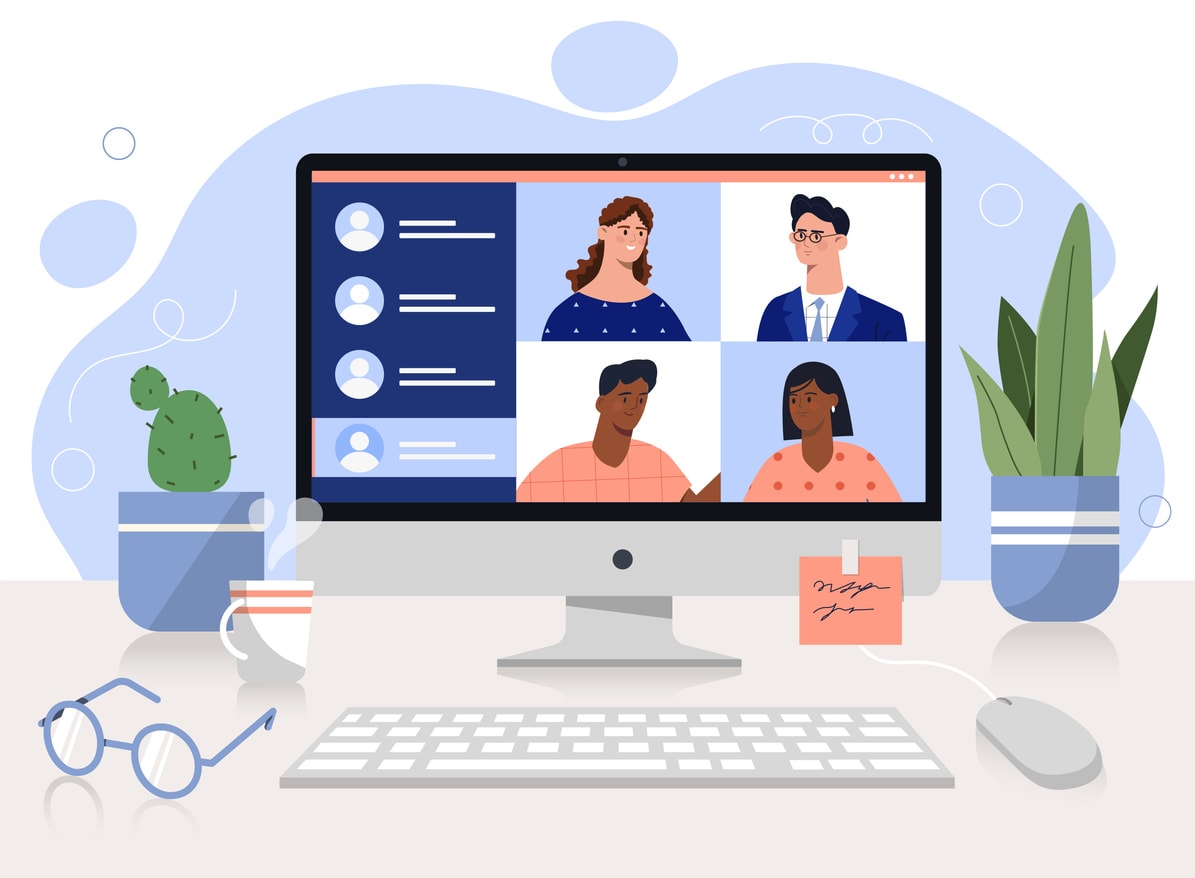
To join a Zoom meeting for the first time, follow these steps:
Download the Zoom app on your device. This step guarantees that you have access to the latest features, contributing to a smoother meeting experience.
The Zoom app is available for both desktop and a computer or mobile devices, including the Zoom desktop app.
For desktop users, head to the Zoom Download Center, where you can find versions compatible with various operating systems. Multiple operating systems are supported, providing broad compatibility.
If you’re using a mobile device, you can download the app from the App Store or Google Play Store.
To join a Zoom meeting smoothly, start by downloading the Zoom desktop app from the official website or your device’s app store.
Once installed, sign in or create a Zoom account to get started. This makes it easier and faster when you’re ready to join a Zoom meeting using a meeting link, Meeting ID, or meeting passcode.
While it’s a one-time setup, keeping your Zoom app updated ensures you have the latest features and fewer technical hiccups during interviews or virtual meetings.
Joining a Zoom Meeting Via Link

Joining a Zoom meeting via a link is easy. Typically, you’ll receive the link through an email, calendar invite, or directly from the host. Clicking the link prompts your web browser to launch the Zoom app, allowing you to join from your browser. Some interview tasks or assessments may require you to keep a browser tab open during the interview for activities like coding challenges or whiteboard tasks. Each Zoom meeting is considered a session, and you may be invited to multiple sessions during your job search. If it’s not installed, you’ll be prompted to download it first if you don’t want to join from your browser.
Some web browsers may require manual permission to open Zoom links in the app. Select the option to always allow this, streamlining future meetings.
You don’t need a Zoom account to join meetings as an attendee, making it accessible for everyone. If the host has enabled the waiting room feature, you’ll be placed there until admitted into the main meeting room.
Joining a Zoom Meeting Using a Meeting ID

Another way to join a Zoom meeting is by using a Meeting ID, a unique 9-, 10-, or 11-digit identifier provided by the host. Enter the Meeting ID at join.zoom.us, which prompts the browser to open the Zoom app and take you to the join Zoom meeting in the Zoom community.
Mobile app users can tap the Meetings or Calendar tab to find scheduled meetings. Enter the Meeting ID when prompted to connect via the meeting link. Alternatively, join a meeting via telephone by dialing the phone number provided in the invitation and following the instructions for a tap call.
Zoom also offers live transcription features, which can be enabled to provide real-time captions during your interview session.
This is useful if experiencing technical issues with other devices, including a mobile phone and meeting audio.
If you’ve previously connected to a meeting, you might be prompted to enter a participant ID for identification. This helps the meeting host track attendees. Once entered, you’ll be admitted into the meeting and can proceed with your interview.
Configuring Audio and Video Settings

Before your Zoom interview, make sure your computer audio and video settings are properly configured. Test your microphone and speakers to avoid audio issues. In Zoom settings, select ‘Test Speaker’ to check device audio output. Using headphones can enhance audio quality by reducing echo.
Adjust your camera position to ensure clear visibility during the Zoom video call. Choose a well-lit location and avoid bright lights behind you. Test your Zoom video in the Zoom app before joining to make necessary adjustments.
Practice with Zoom video beforehand to familiarize yourself with its features. Inform others in your home about your interview time to minimize noise and interruptions.
Navigating Zoom Meeting Controls

Knowing how to navigate basic Zoom call controls can help you stay confident and focused during a virtual interview. Whether you’re entering through a meeting ID provided by the meeting host or waiting in the Zoom waiting room, being prepared makes a strong first impression.
Once you’re in, get comfortable with key features like mute/unmute, start/stop video, and the chatbox. Keeping your mic muted when not speaking helps reduce background noise, while the chat feature allows you to share documents or ask questions without interrupting.
You can also use reactions like the raised hand icon to signal that you have a comment, without breaking the flow of conversation. Keyboard shortcuts like ‘Alt + S’ for screen sharing and ‘Alt + V’ to toggle video can make managing your setup even easier. Understanding these tools allows you to stay focused on what really matters: connecting with your interviewer and showcasing your strengths, making sure every word you say is clear and contributes to a positive impression.
Tips for a Successful Job Interview on Zoom
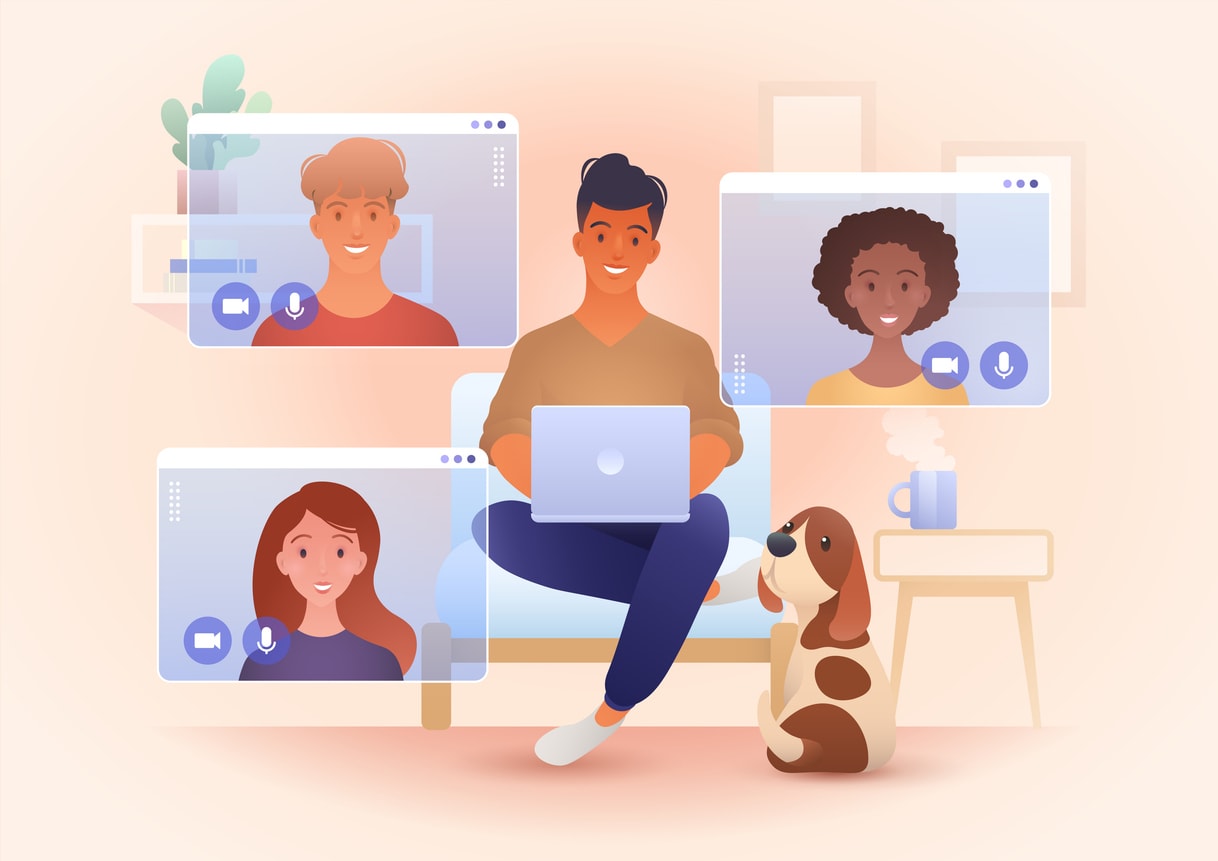
Dress professionally for your Zoom meeting, just as you would for an in-person interview. A clean, uncluttered background and good lighting will help ensure your screen presence looks polished, and your facial expressions are clearly visible.
Before the interview, download Zoom and install the Zoom desktop app to avoid last-minute issues. Join the meeting at least five minutes early so you have time to test your connection, join audio, and confirm that screen sharing and video are functioning properly. Preparing in advance and using AI tools can help save time and reduce last-minute stress.
Choose a quiet environment with minimal distractions and silence any notifications. During the call, maintain eye contact by looking into the camera to show confidence and professionalism. Be prepared to answer questions clearly and confidently to demonstrate your qualifications. Asking thoughtful follow-up questions can also show your engagement and a deeper understanding of the role.
Introduction to Fonzi

Fonzi is transforming the hiring process by automating time-consuming tasks, making it faster and more accurate for companies to find the right talent. Fonzi also supports job hunting by streamlining applications and interview preparation, making the process easier and more efficient for candidates. One standout feature is automated resume screening, which helps employers quickly surface the most qualified candidates, without letting great talent slip through the cracks.
Fonzi also improves fraud detection by catching inconsistencies in candidate profiles, helping companies prevent dishonest practices during virtual hiring stages. And when it comes time for interviews, Fonzi streamlines the process by setting up phone call screenings with real-time monitoring.
Many of Fonzi’s features are accessible with no credit card required, making it easy for both employers and candidates to get started.
Whether a candidate is joining via a Zoom meeting, joining from a browser, or dialing in by phone, Fonzi guarantees every step is smooth and secure. By using Fonzi, hiring teams can run a more efficient and reliable process, and job seekers can walk in better prepared for every step, from application to final interview.
Enhancing Human Decision-Making with AI

Artificial intelligence enhances human decision-making in the recruitment process. AI suggestions can provide valuable input during the recruitment process, helping both recruiters and candidates. By automating tasks like resume screening, fraud detection, and phone interviews, AI-driven tools provide a fair and unbiased recruitment process. This promotes diversity and fosters a more inclusive work environment.
Adopting AI in recruitment provides a transparent and efficient hiring process. This improves the candidate experience and helps organizations build stronger, more diverse teams.
Standing Out in Applications Using Fonzi AI
To stand out when applying to companies that use Fonzi’s AI recruiting platform, start with a clear, keyword-optimized resume tailored to the job description. Fonzi’s AI phone screener and sourcing tools analyze candidate data to help recruiters quickly identify top talent, so including the right terms can boost your chances of moving forward.
Interview AI platforms can help candidates prepare for live interviews by offering features such as live coaching, mock interview sessions, and real-time feedback. These tools often provide structured bullet points to help organize your answers clearly and may include case studies relevant to roles like software engineer, software engineering, and UX designer. User experience is a key focus, ensuring that every user, regardless of background, receives support for both technical and behavioral interviews.
Make sure to highlight relevant skills early, and be responsive to screening questions. If you’re selected for an interview, you may be invited to join a Zoom meeting. Prepare ahead of time by testing your device audio and knowing how to join a Zoom using either the app or a browser. Showing up prepared reflects positively on you and keeps the process moving smoothly.
Personalized, well-prepared applications stand out in AI-assisted hiring pipelines. With the right approach, you’ll be one step closer to landing the role.
After the Interview: Detailed Feedback and Next Steps
After your Zoom interview, the journey doesn’t end. This is the perfect time to sharpen your interview skills and get ready for the next step in your job search. Receiving detailed feedback is crucial for growth, and today’s AI interview assistants make this process easier and more effective than ever.
With an AI interview copilot, you can receive instant feedback on your performance, helping you understand what went well and where you can improve. These AI tools analyze your answers, body language, and communication style, offering real-time suggestions that boost your confidence and help you stay calm in future interviews. Whether you’re preparing for technical interviews, tackling behavioral questions, or practicing for your dream job, an AI coach provides the detailed insights you need to succeed.
AI interview assistants are a game-changer for job seekers, software engineers, UX designers, and anyone aiming for dream jobs. Here’s how they can support your interview preparation:
Real-time guidance and instant answers: Get immediate suggestions and AI responses during mock interviews, so you can practice and refine your answers to common interview questions.
Detailed feedback: Receive comprehensive feedback on your interview performance, including strengths and areas for improvement, to help you grow and prepare for the actual interview.
Mock interviews across platforms: Practice with realistic mock interviews for Zoom, Google Meet, Microsoft Teams, and more, so you’re well prepared for any format.
Technical and behavioral insights: AI technology can assess your system design skills, coding abilities, and responses to behavioral questions, giving you a well-rounded view of your interview readiness.
Personalized interview prep: Benefit from tailored recommendations and interview tools that help you practice, improve, and approach each interview with confidence.
By using these advanced AI tools, you gain a competitive edge in the hiring process. The instant feedback and real-time support from an AI interview assistant can transform your interview preparation, making you more confident and well prepared for every opportunity. Whether you’re aiming for your first job or the final round of interviews for your dream job, using an AI interview copilot is a smart move for success.
Summary
In summary, preparing for a Zoom interview involves several key steps, from downloading the Zoom app to configuring your audio and video settings and mastering meeting controls when you join the Zoom meeting.
By following these steps, you can guarantee a smooth and professional interview experience. Additionally, understanding how AI tools like Fonzi work can give you a competitive edge in the job market.
Embracing technology in your job search not only makes the process more efficient but also helps you stand out to potential employers. By submitting a keyword-rich resume and being responsive to screening questions, you can increase your chances of success. Remember, AI is here to enhance human decision-making, ensuring a fair and transparent recruitment process.
So, as you prepare for your next job interview, take advantage of these tips and tools. With the right preparation and a strategic approach, you'll be well on your way to landing your dream job.
FAQ
Do I need a Zoom account to join a job interview on Zoom?
How can I test my audio and video settings before the interview?
What should I do if I experience technical issues during the interview?
How does Fonzi AI help in the hiring process?
How can I make my application stand out to companies using Fonzi AI?


